
What the WiFi Gateway does in a zoned system
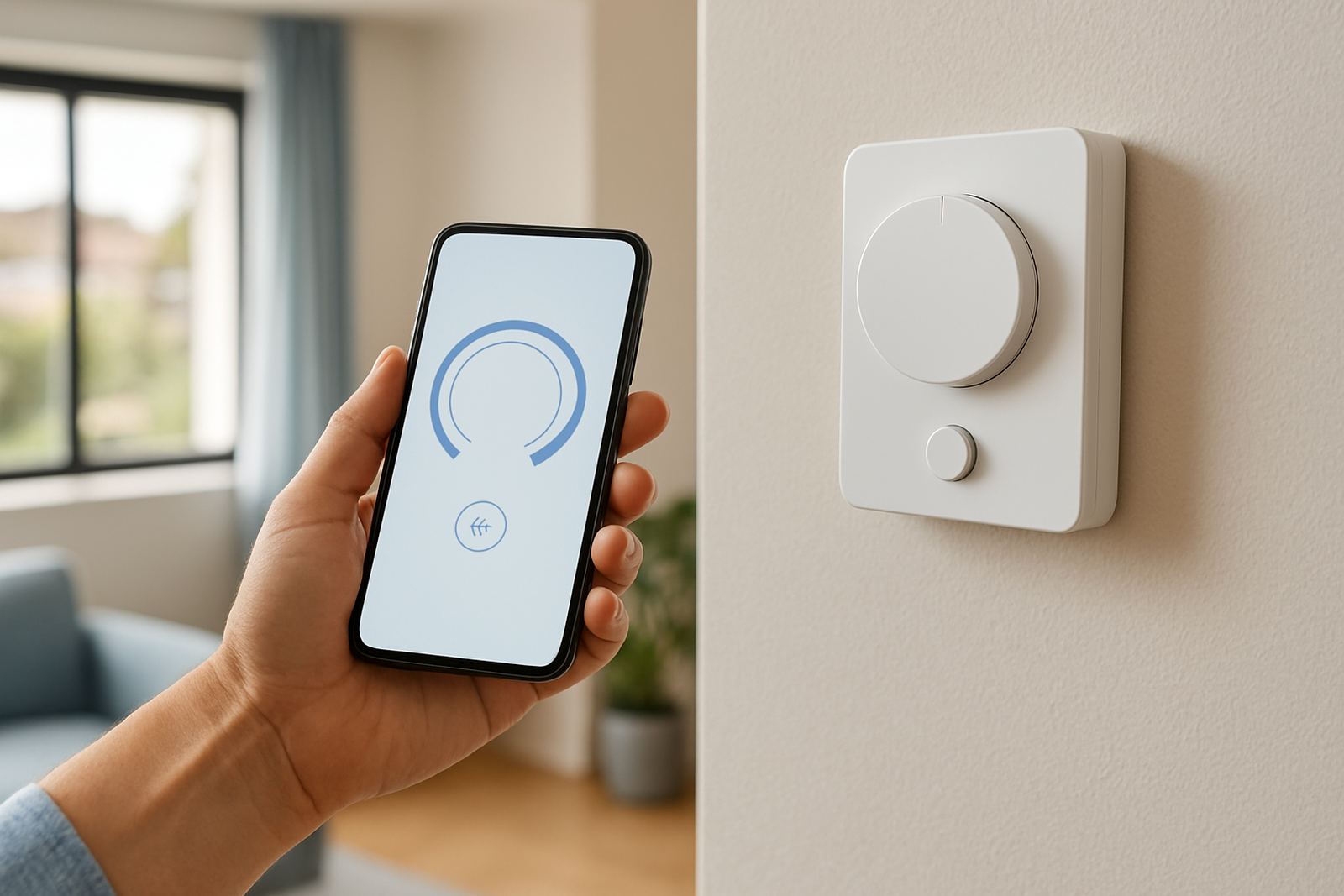
The WiFi Gateway is a communication module that sits between the zoning controls and your local network. It does not cool or heat on its own. Its job is to pass information between the controller, thermostats and the user interface so each room or zone can be managed from a phone, tablet or office network point.
In practical use, that means you can check temperatures, change set points, view active zones and adjust schedules without standing at the indoor unit. For busy homes in Sandton or offices in Centurion with different occupancy times, that kind of control saves calls back and forth. It also helps during load-shedding planning because the system status is easier to check before you leave the building.
The gateway is usually used with ducted zoning systems where dampers open and close room by room. It works best where the air-conditioning design is already correctly sized and the airflow has been balanced, because a gateway can only control what the system has been set up to do.
Where it suits: homes, offices and mixed-use spaces
This product suits properties where the user wants remote access and tidy control over several zones. In homes that often have upstairs bedrooms, a living area and a study, the gateway makes it easier to keep each space at a different setting. In offices, it is useful for meeting rooms, open-plan areas and private offices that are occupied at different times.
It is a good fit for Pretoria East homes with long summer afternoons, Randburg family houses where different rooms are used at different hours, and Johannesburg offices that need temperature changes after working hours. It also helps in coastal or humid conditions when occupants want to check system status before weekends away, though the gateway itself must still be installed indoors and kept dry.
- Homes with multiple sleeping areas and a shared living space
- Small to medium offices with different use patterns by room
- Retrofitted ducted systems that already have zoning dampers
- New builds where network access is planned early
Sizes, options and network setup
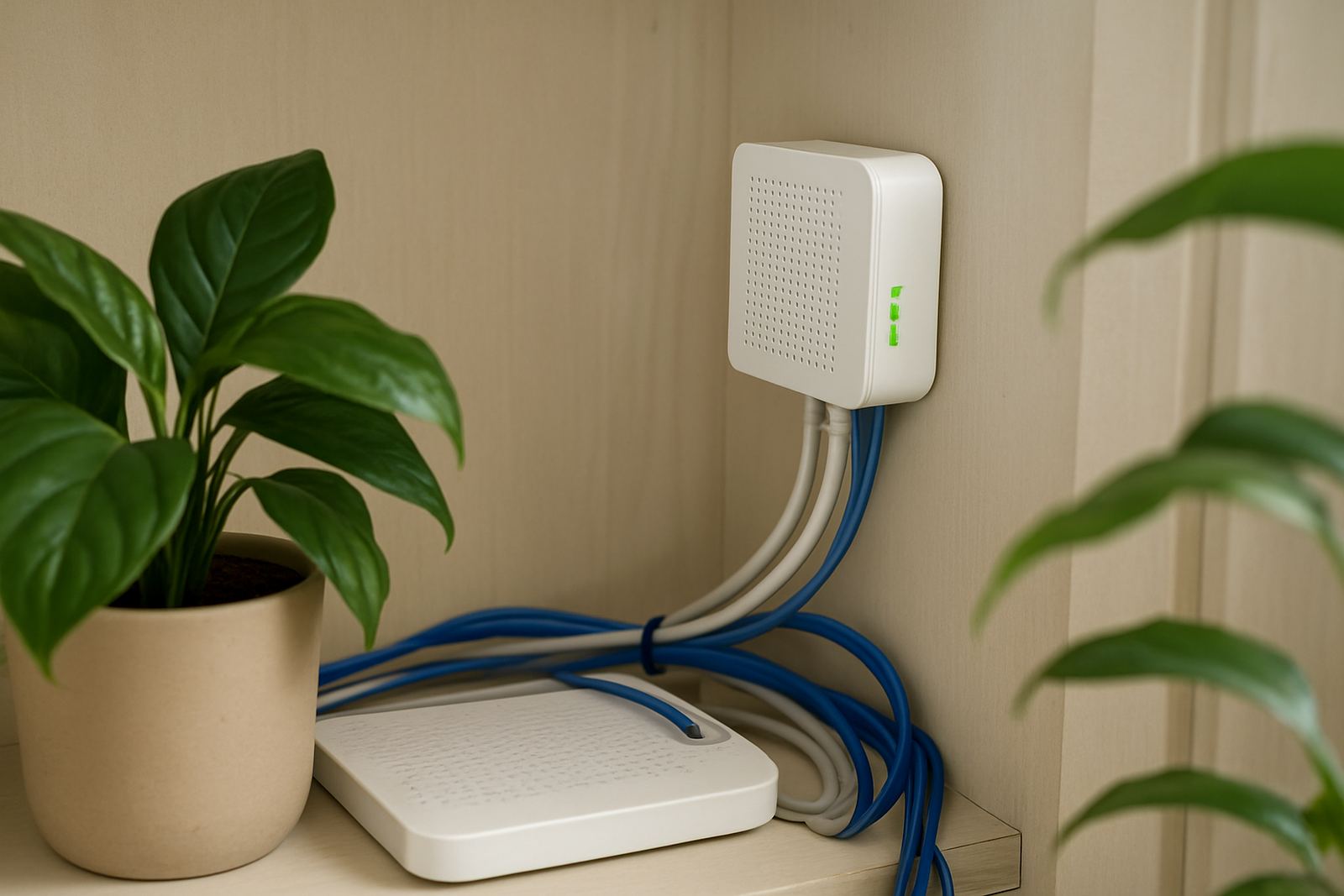
The WiFi Gateway is a compact module rather than a large field device, so the main choice is not physical size but compatibility and installation position. Most projects use one gateway per zoning controller. In some larger jobs the network setup may need a stable router position or a signal booster nearby if the plant room is far from the main office or living area.
For ordering, check whether the zoning system uses a wired thermostat network, wireless sensors, or a mix of both. Some properties only need remote viewing, while others need full control with scheduling and user access for more than one person. If a manager in Pretoria wants access and the homeowner in Johannesburg also needs it, user permissions should be planned before commissioning.
- Single gateway per zoning controller in most standard layouts
- Best paired with a reliable local WiFi signal or wired network point nearby
- Suitable for one-user or multi-user access depending on system setup
- Can be specified during new build work or added during a retrofit
Installation, power and practical requirements
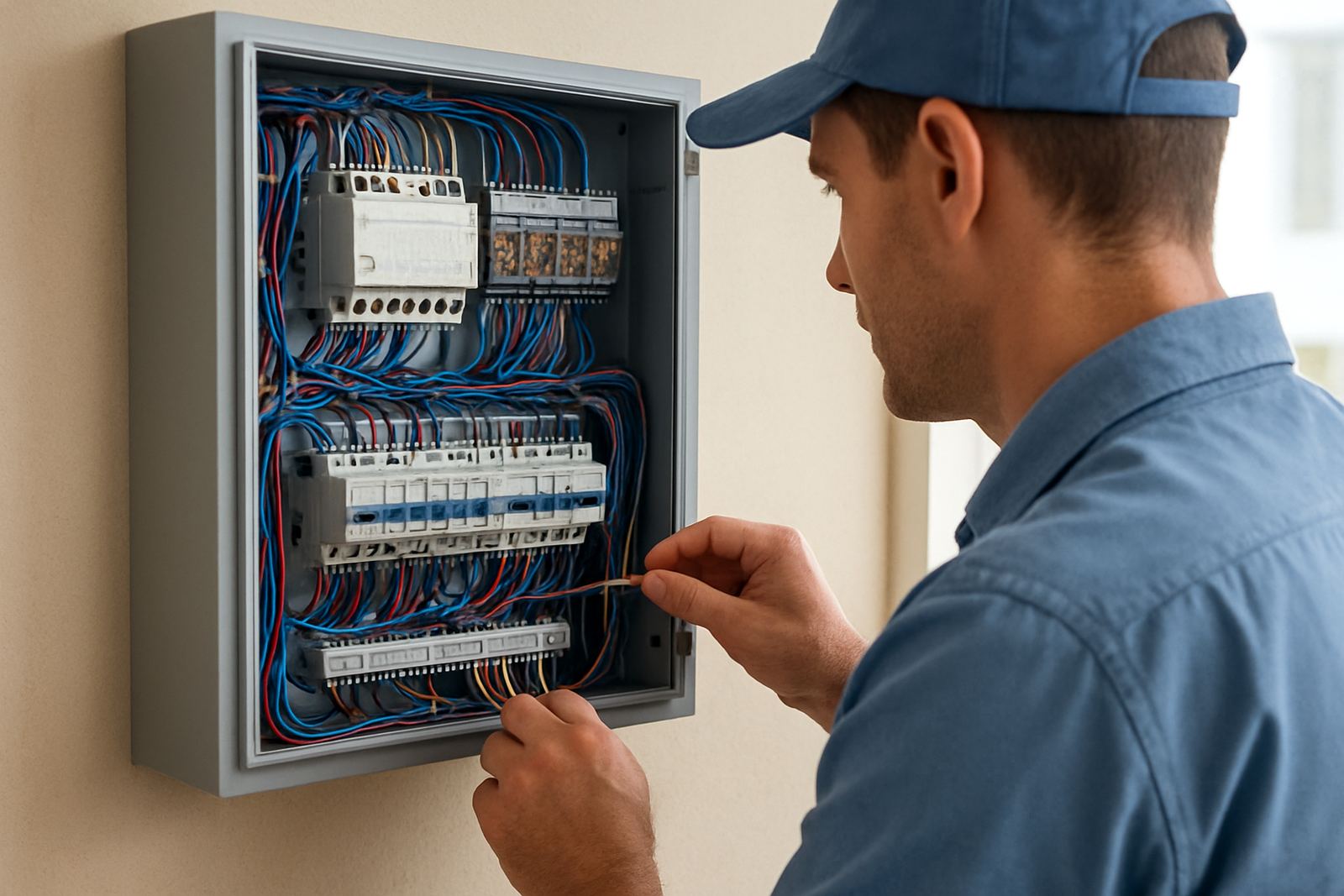
Installation should be done with the zoning system isolated and the controller configuration checked first. The gateway is connected by low-voltage control wiring and then linked to the local network during setup. It does not require gas, water or refrigerant. It does however depend on the air-conditioning system being correctly powered, commissioned and protected by the right breakers and isolators.
For homes in older suburbs around Johannesburg, it is common to find limited plant room space or long cable runs. In those cases the gateway should be placed where the installer can still access the controller and service it later. Keep it away from direct heat, damp walls and drip points from pipework. If there is a ceiling void above a garage or a plant room with high temperatures, that space should be checked before final mounting.
During commissioning we confirm zone logic, thermostat naming and network connection so the user can identify each room properly. A rushed setup often causes confusion later, especially when there are bedrooms, boardrooms or tenant areas with similar names.
Care, servicing and keeping the system reliable
The gateway itself needs very little routine care, but the wider system still needs seasonal attention. Dust in filters, sticky dampers and poor airflow can make remote control feel inconsistent even when the gateway is working correctly. For that reason it should form part of the normal HVAC service plan, especially before summer in Gauteng.
During servicing we recommend checking the following:
- Network connection and app or controller communication
- Controller time, schedules and zone labels
- Damper response in each room or office area
- Thermostat readings against actual room temperature
- Power supply, wiring terminations and visible cable condition
If the building loses power often, the gateway should be checked after outage recovery. A clean restart is usually enough, but sometimes time settings or schedules need to be reset. That is more common in offices with after-hours setback control and in homes where the router comes back before the HVAC controls do.
What to check before ordering or retrofitting
Before ordering a WiFi Gateway, it helps to confirm a few basics so the installation goes in without delays. We check the zoning controller model, the number of zones, available space near the controller and whether the property has a strong enough network signal where the equipment lives. If the building already has a smart thermostat setup, we also confirm how many users need access and whether scheduling should be shared.
Please have the following details ready:
- Property type: house, office, tenant space or mixed-use
- Number of zones and room names
- Whether the system is new build or a retrofit
- Router location and network access point nearby
- Any existing control faults, dead zones or poor airflow issues
- Preferred service area: Johannesburg, Sandton, Randburg, Pretoria, Centurion or Pretoria East
If the zoning system is going into a new build, the gateway can be allowed for early with the rest of the controls. On retrofit work, it is worth checking the ceiling access and control box space first, because cramped installations slow the job down and make future servicing harder.
Key facts
| Product type | WiFi communication gateway for zoned air-conditioning control |
|---|---|
| Function | Links the zoning controller to a home or office network |
| Use | Remote viewing, zone control, scheduling and status checking |
| Power | Low-voltage control connection with system power supply as specified |
| Installation | Indoor mounting near the zoning controller and network access point |
| Compatibility | Used with ducted zoning systems, thermostats and damper controls |